Top PS5, PS4 & Xbox Console Problems and How to Fix Them
Gaming consoles like the PS5, PS4, and Xbox are powerful entertainment systems used by millions of gamers worldwide. However, like any electronic device, consoles can develop technical issues over time due to heavy use, overheating, hardware failure, or accidental damage.
Understanding the most common console problems can help you identify the issue quickly and decide whether it’s something you can troubleshoot yourself or if you need professional service.
Below are the most common gaming console problems and their solutions.
1. Console Not Turning On
One of the most frustrating problems gamers face is when their PS5, PS4, or Xbox refuses to power on.
Possible Causes
- Faulty power supply
- Damaged motherboard
- Power surge damage
- Internal hardware failure
Possible Solutions
First, check the power cable and outlet to ensure they are working properly. Try plugging the console into another outlet or using a different power cable if available.
If the console still does not turn on, the problem may be internal. In many cases, professional diagnostics are needed to identify the exact hardware issue.
2. HDMI Port Problems
Another common issue is no signal on the TV when connecting the console.
Signs of HDMI Issues
- Blank screen or “No Signal” message
- Flickering display
- Loose HDMI connection
- Damaged HDMI port pins
Solutions
Check your HDMI cable and try a different one to rule out cable damage. Also inspect the HDMI port on the console for visible bending or debris.
If the HDMI port is damaged, it usually requires professional HDMI port replacement, which involves soldering components on the console’s motherboard.
3. Overheating Problems
Modern gaming consoles generate a lot of heat while running high-performance games. If the system overheats, it may shut down automatically.
Common Symptoms
- Loud fan noise
- Console shutting down suddenly
- Warning messages about temperature
- Reduced performance while gaming
Solutions
Make sure the console has proper airflow. Avoid placing it inside closed cabinets or near heat sources.
Cleaning the internal fans and removing dust buildup can significantly improve cooling performance. Many console issues occur simply due to dust blocking ventilation systems.
4. Disc Drive Not Reading Games
Many gamers still use physical discs for games and movies. If the console cannot read discs, the drive may be malfunctioning.
Signs of Disc Drive Issues
- Game discs not recognized
- Loud clicking or spinning noises
- Games taking too long to load
Solutions
Try cleaning the disc and checking for scratches. Insert another disc to see if the issue persists.
If the problem continues, the console may require disc drive service or laser component replacement.
5. Blue Light or Red Light Errors
Certain PlayStation consoles display blue or red light indicators when the system cannot boot properly.
Possible Causes
- Hardware malfunction
- System software errors
- Internal power problems
- Motherboard damage
Solutions
Try restarting the console in safe mode and reinstalling system software if necessary.
If the problem continues, professional diagnostics may be required to locate the failing internal component.
6. Controller Connectivity Issues
Sometimes the console works perfectly, but the controller fails to connect or respond.
Common Causes
- Bluetooth connectivity issues
- Battery problems
- Software glitches
Solutions
Reset the controller using the reset button located on the back. Reconnect it using a USB cable and update the system software if needed.
If the controller still does not connect, the issue may involve the internal Bluetooth chip or controller hardware.
7. Hard Drive or Storage Problems
Gaming consoles rely heavily on storage systems. A failing hard drive or SSD can cause games to freeze or crash.
Symptoms
- Slow loading times
- Games crashing frequently
- System storage errors
Solutions
Rebuilding the console database or reinstalling system software may fix minor issues.
In more severe cases, upgrading or replacing the storage drive can restore performance and improve loading speeds.
Preventing Console Problems
While some hardware failures are unavoidable, many console issues can be prevented with proper maintenance.
Tips for Console Care
- Keep your console clean and dust-free
- Ensure proper ventilation and cooling
- Avoid sudden power interruptions
- Update system software regularly
- Use high-quality HDMI cables and accessories
Regular maintenance helps extend the life of your gaming system and ensures smooth gameplay.
Professional Console Service in Chicago
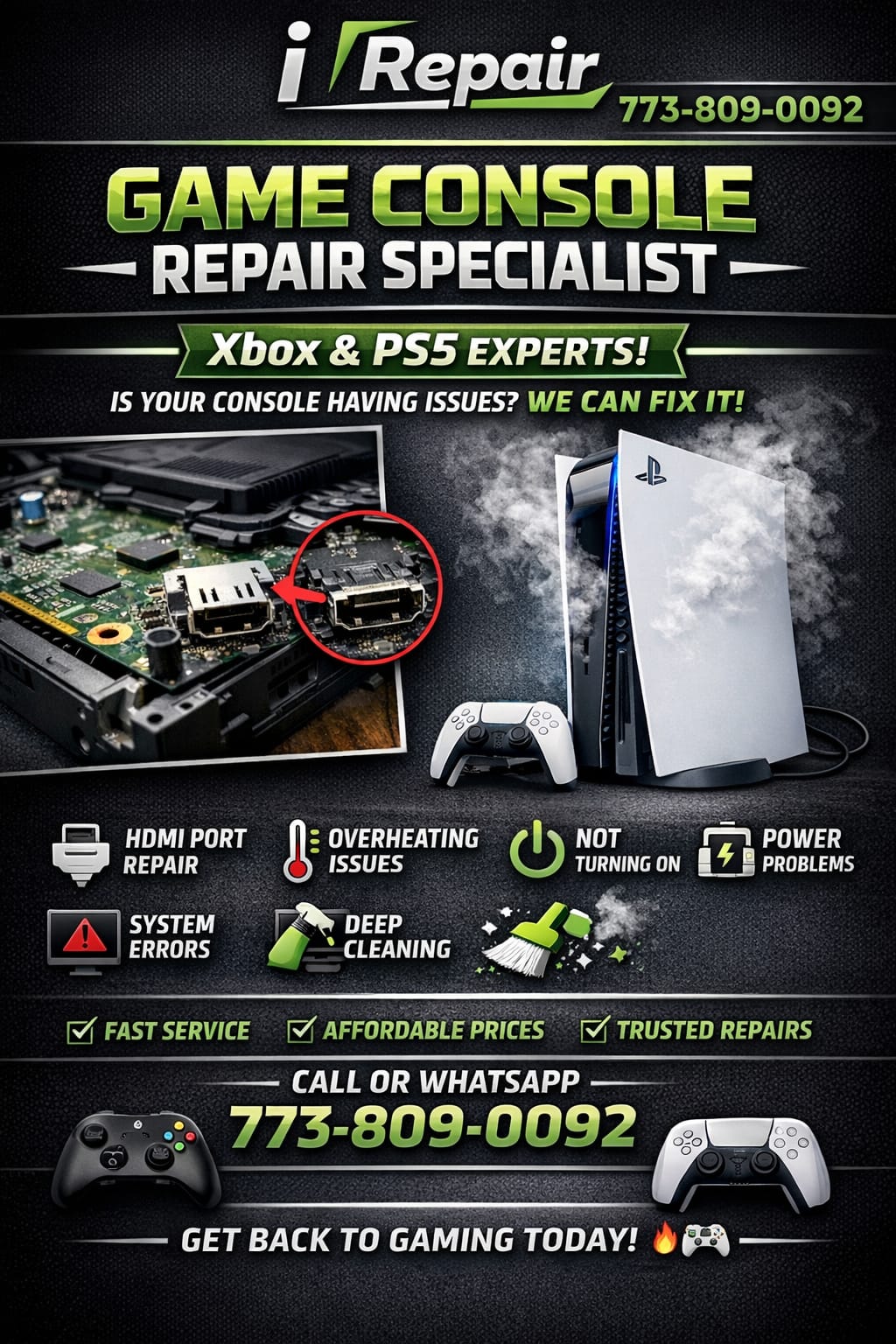
If your PS5, PS4, or Xbox console stops working, professional technicians can quickly diagnose and resolve the issue. Expert service can address problems such as HDMI failures, power issues, overheating, disc drive errors, and motherboard faults.
A trusted electronics service provider can help restore your console so you can get back to gaming without long delays.

No comments yet. Be the first to share your thoughts!